



Payment tools for growing small businesses.
Onboard merchants fast, get them paid online and in person, and make every deposit add up.
Start in test mode →Your app is the terminal.
Customers tap a card on the merchant’s phone, or scan a code and pay on their own. Either way, nobody reads a card number out loud or types it in.1
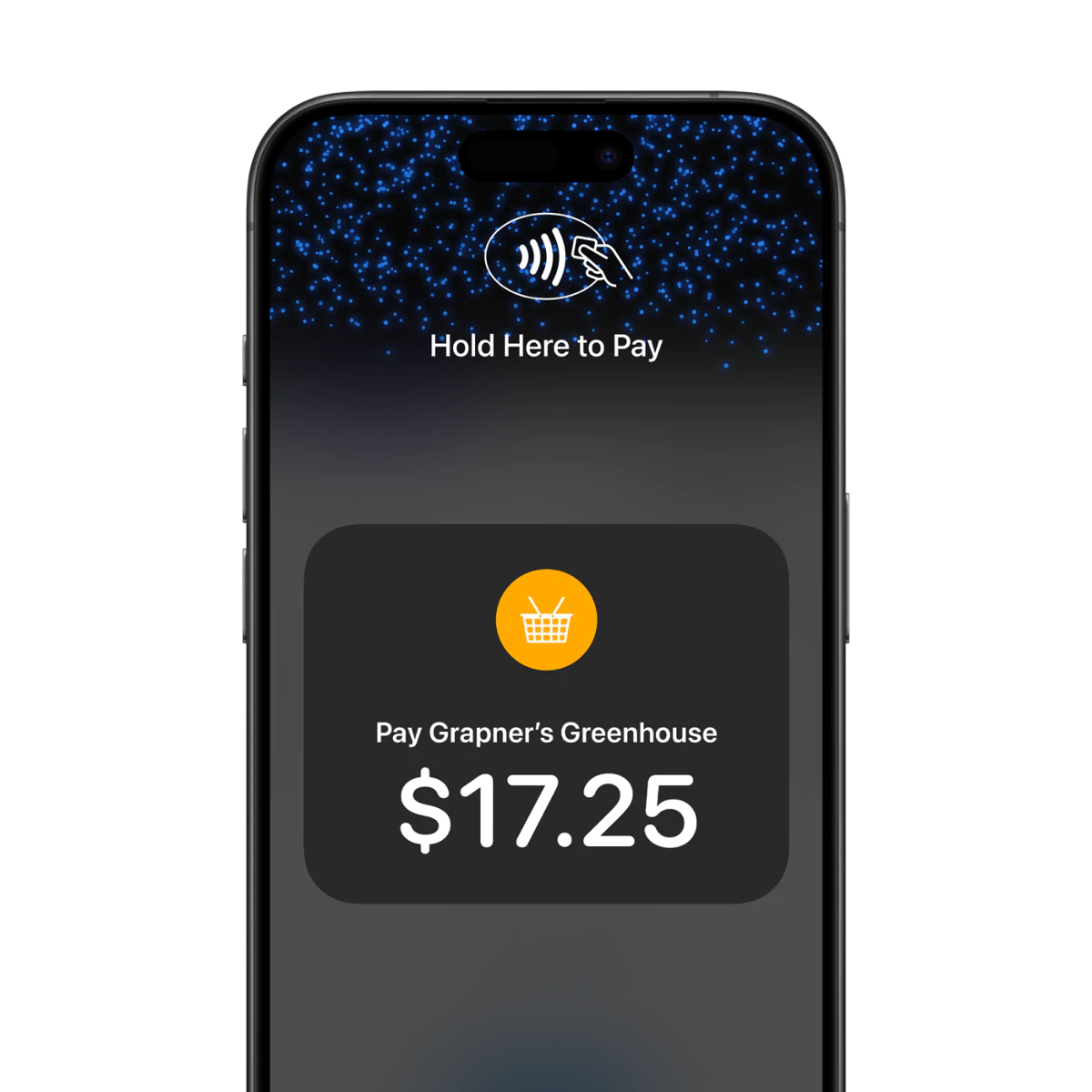 Tap to Pay on iPhone and Android
Merchants take contactless cards, Apple Pay, Google Pay, and other digital wallets on the phone they already carry, with no reader to buy, charge, or lose.
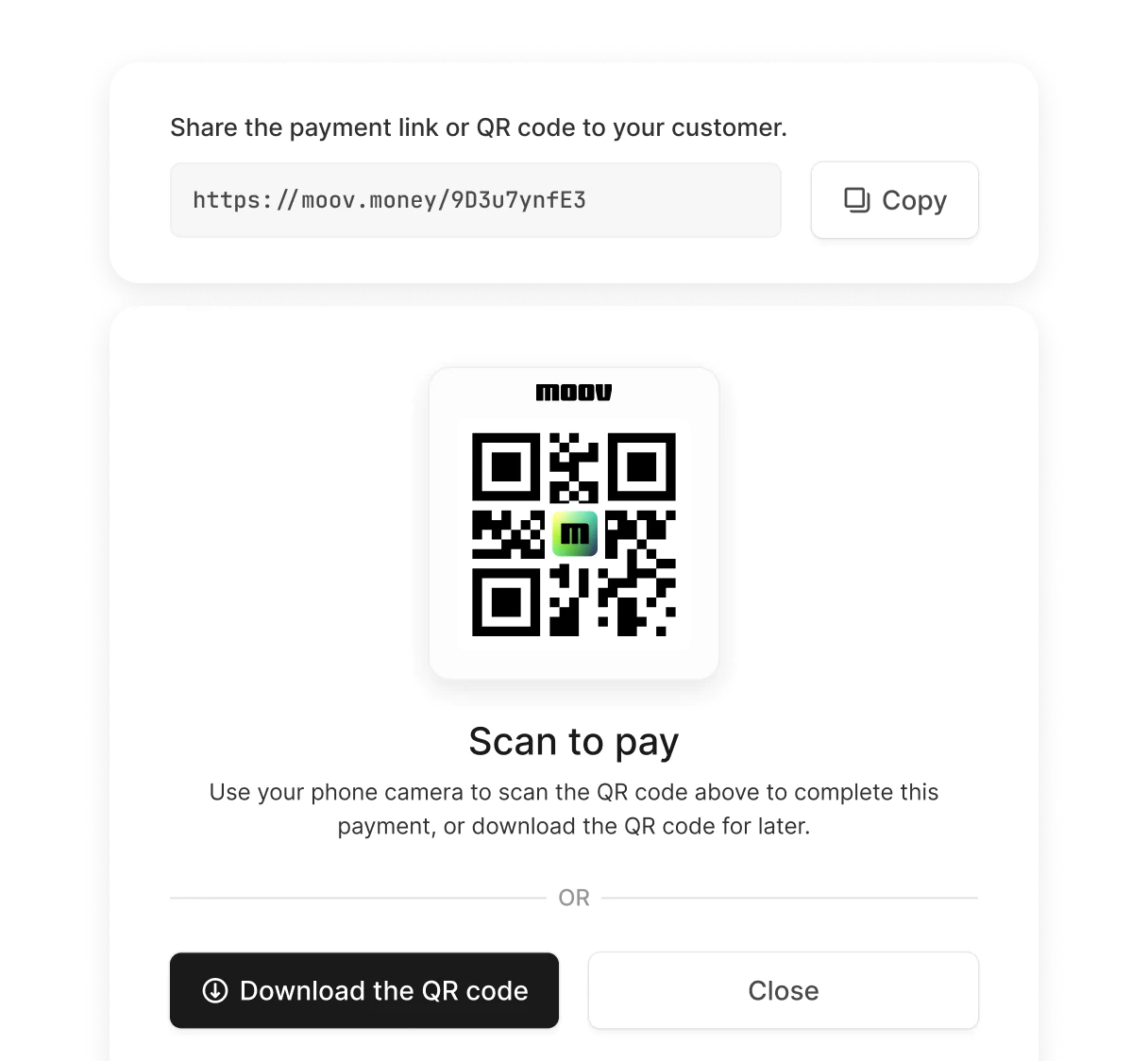 Payment links by QR code
Customers scan a code at the counter and pay on their own phone by card, Apple Pay, Google Pay, or bank, the same checkout they’d get online.
Moov makes payments work for SMBs.
Automated merchant onboarding
Becoming a merchant takes a few short steps, with automated and AI-assisted KYC and underwriting from Moov.
Send a hosted onboarding link, or build the forms into your app. Moov handles the edge cases that slow launches down.
Ask for less and improve accuracy. Fetch business details from an email address and autocomplete addresses.

Get paid online
Share a payment link by text or email, with no website or checkout to build.
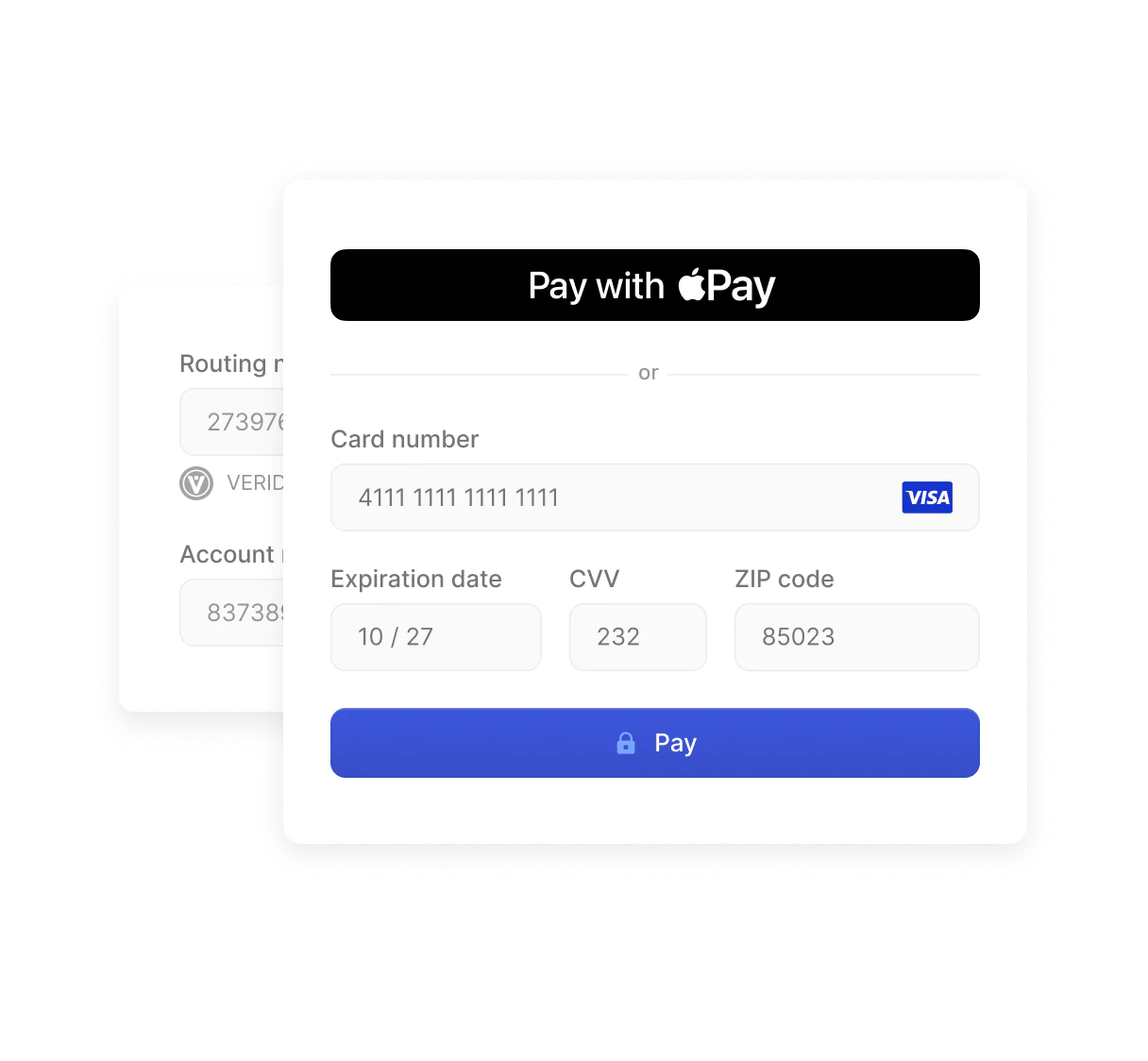
Line items and tax, paid by card, bank, Apple Pay, or Google Pay.
Every refund, partial refund, dispute, or ACH return is linked to the original payment.
Less time reconciling
Each day, Moov sweeps a business’s wallet to its bank in one deposit, with a summary of the card payments, disputes, and fees inside it, so the books match the bank.
Settled funds go to the linked bank account automatically each day.
See exactly which payments, refunds, disputes, and fees make up each deposit.

1. Tap to Pay on iPhone Requirements: Tap to Pay on iPhone requires a supported payment app and the latest version of iOS. Update to the latest version by going to Settings > General > Software Update. Tap Download and Install. Some contactless cards may not be accepted by your payment app. Transaction limits may apply. The Contactless Symbol is a trademark owned by and used with permission of EMVCo, LLC. Tap to Pay on iPhone is not available in all markets. For Tap to Pay on iPhone countries and regions, see https://developer.apple.com/tap-to-pay/regions/.