


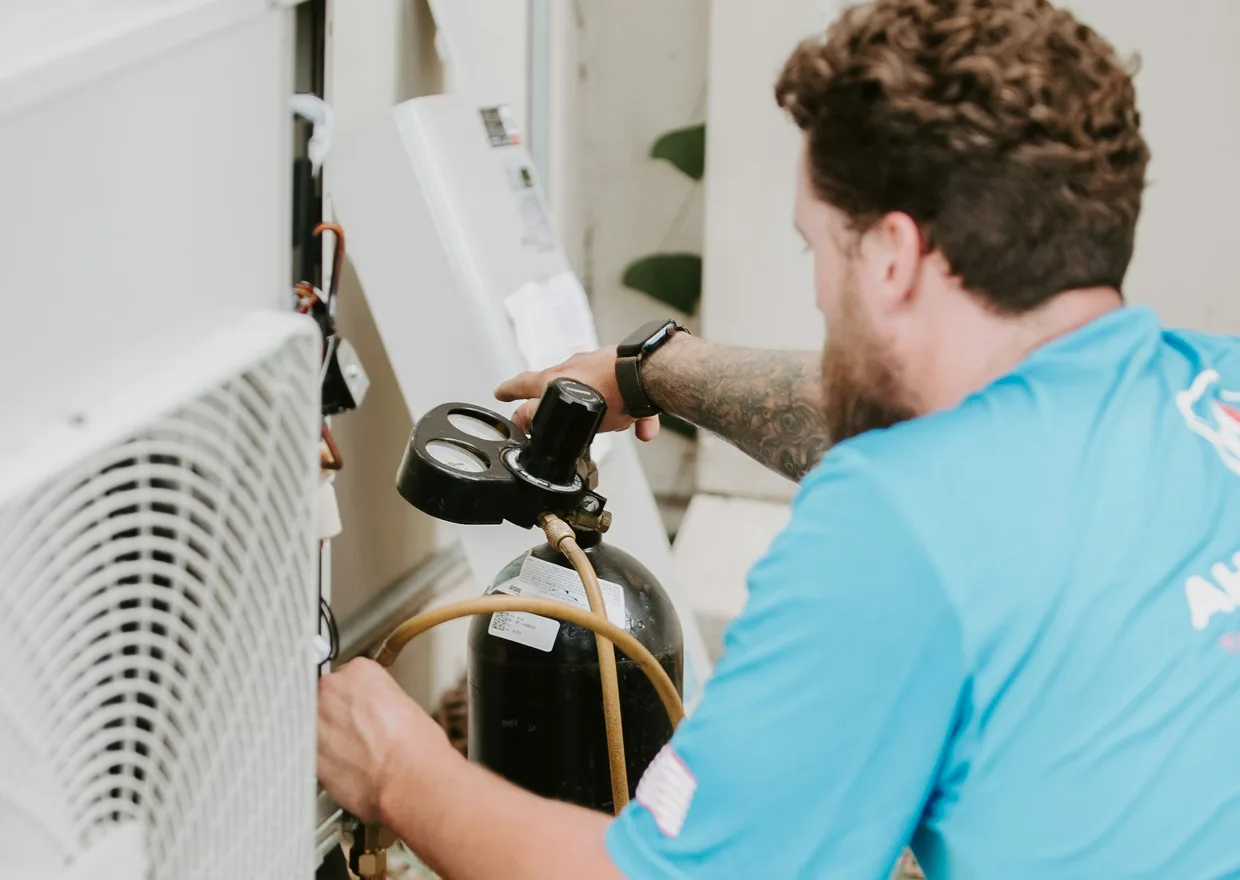
Payments in every tech’s pocket.
With Tap to Pay on iPhone and Android, techs take payment on the phone they already carry. Send invoices and links with QR codes for everything else, and pay your crews the same day.
Start in test mode →Your app is the terminal.
Customers tap a card on the tech’s phone, or scan a code and pay on their own. Either way, nobody reads a card number out loud or types it in.1
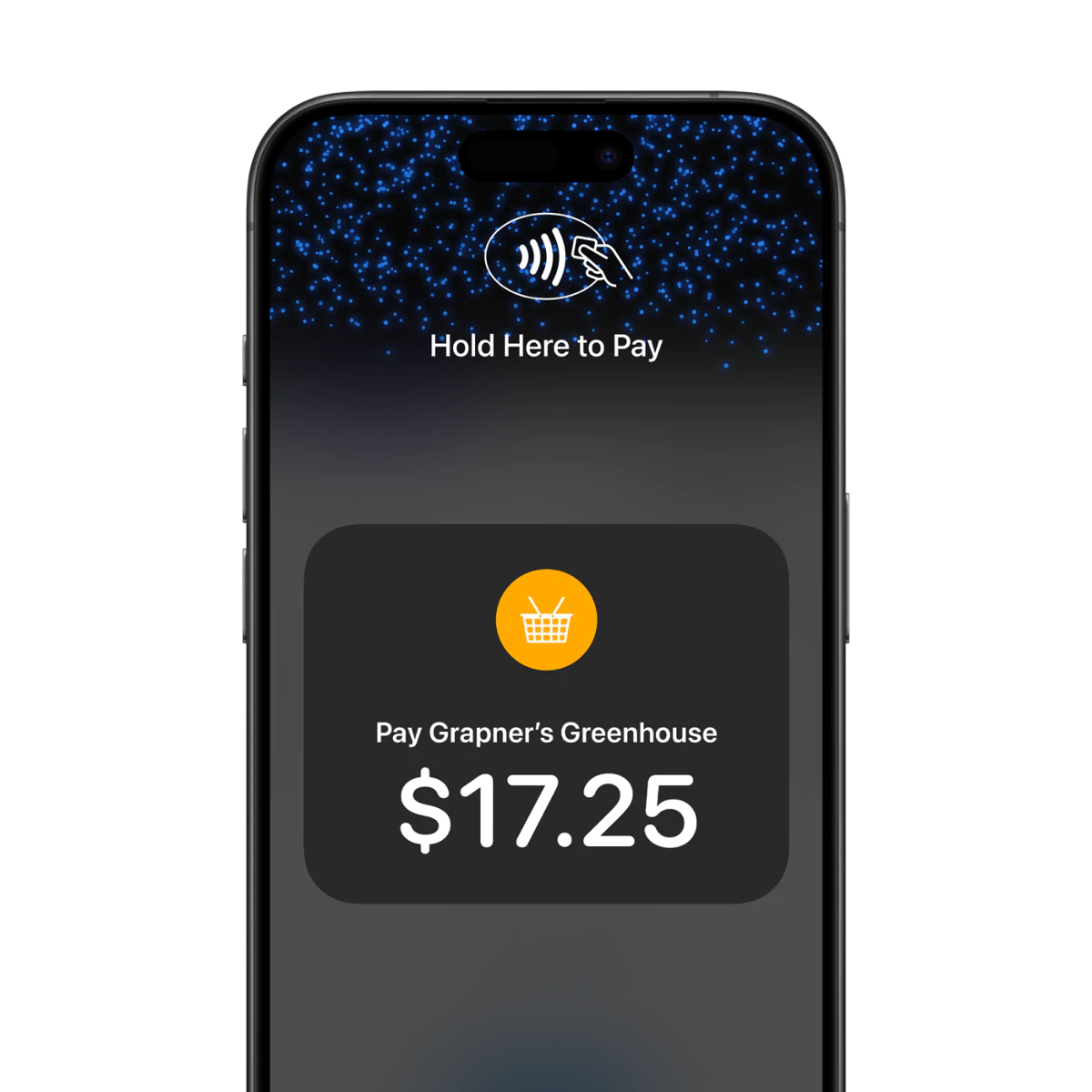 Tap to Pay on iPhone and Android
Techs take contactless cards, Apple Pay, Google Pay, and other digital wallets on their own phone, with no reader to buy, charge, or lose.
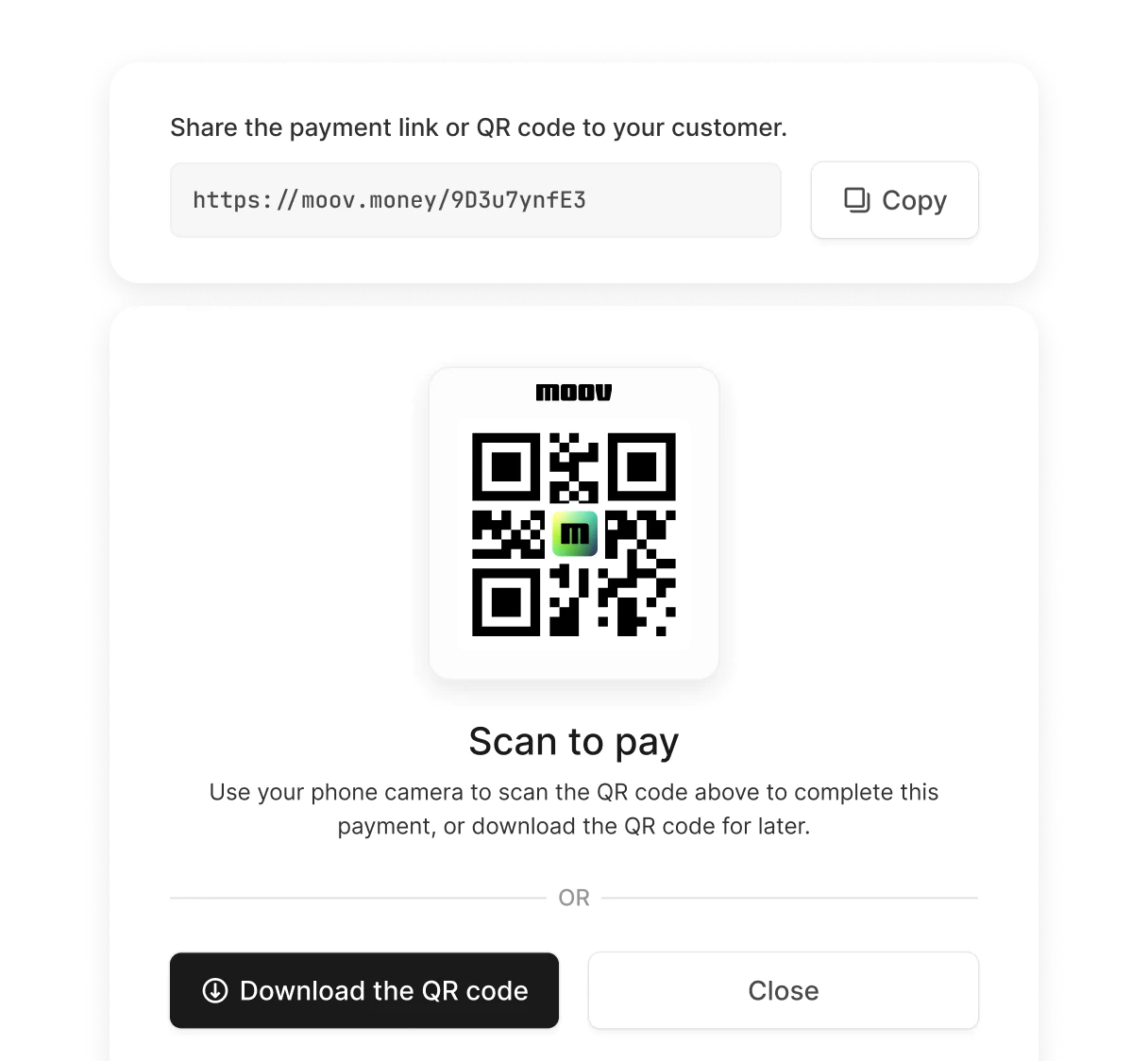 Payment links by QR code
The customer scans the job’s code and pays on their own phone by card, Apple Pay, Google Pay, or bank, the same checkout they’d get online.
Every other way to get paid.
Invoices and payment links
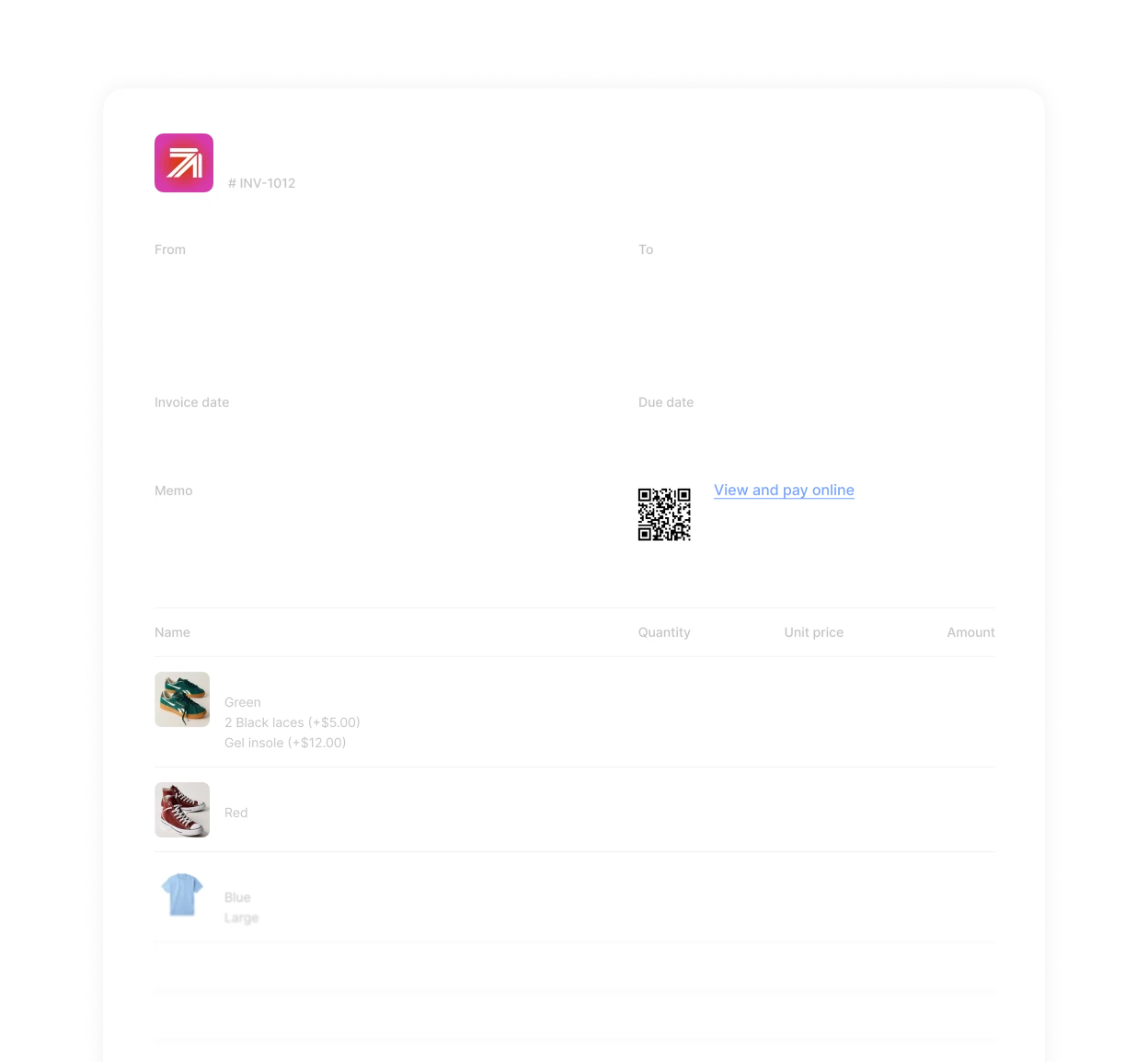
Send an invoice for the big jobs, or text a payment link when the customer isn’t home. Every invoice carries a QR code, so a printed copy left on the counter gets paid too.
The customer points their camera at the invoice and pays by card or bank.
Send a link for the deposit when the job is booked, and hold it until the work is done.
Pay techs and subs the same day
When a work order closes, pay the subcontractor instantly, with the job and work order on the payment.
Pay over TCH RTP®, FedNow®, or push to debit card, around the clock.
Metadata links every payout to its job and work order for clean books.

Onboard every service business
Bring each business onto your platform with hosted or embedded onboarding. Moov verifies it, and your Dashboard shows exactly what’s left before it can take its first tap.
Send an onboarding link, or build the forms into your own app.
See which details each business still owes, and follow up before it holds anything up.

1. Tap to Pay on iPhone Requirements: Tap to Pay on iPhone requires a supported payment app and the latest version of iOS. Update to the latest version by going to Settings > General > Software Update. Tap Download and Install. Some contactless cards may not be accepted by your payment app. Transaction limits may apply. The Contactless Symbol is a trademark owned by and used with permission of EMVCo, LLC. Tap to Pay on iPhone is not available in all markets. For Tap to Pay on iPhone countries and regions, see https://developer.apple.com/tap-to-pay/regions/.