Payments built for your business.

In your banking app

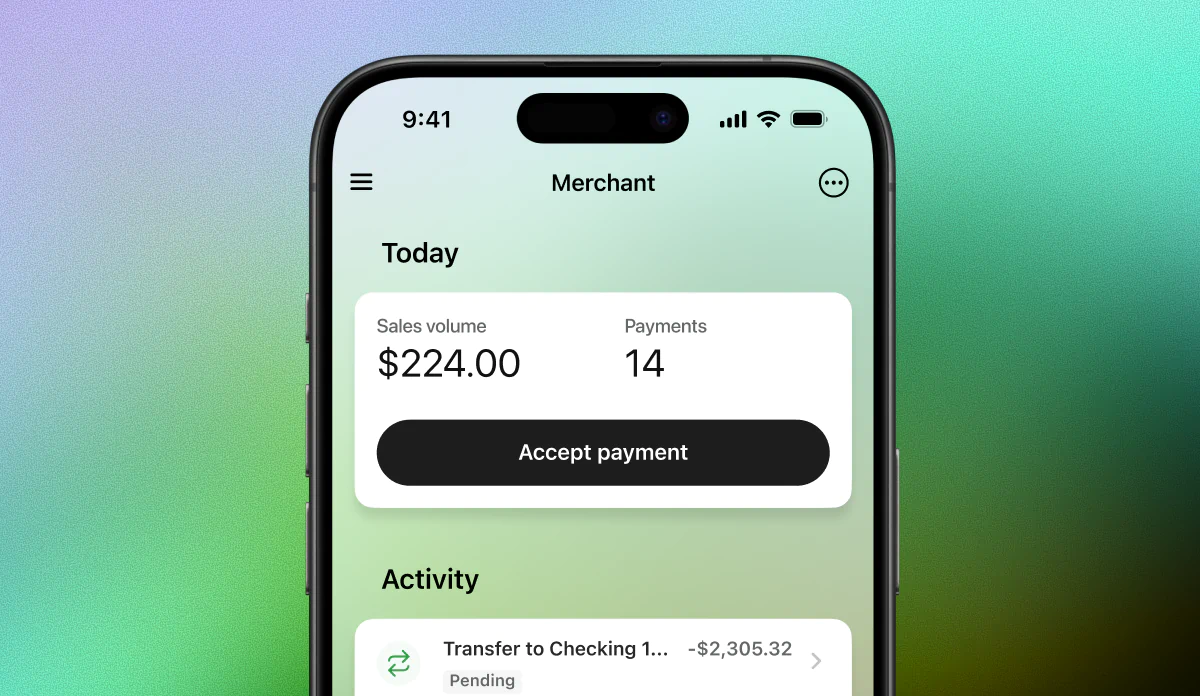
Combine your sales and your company finances into one seamless experience. From next-day settlement to transparent fees — access everything together.

Sell in-person & online

Secure & compliant payment processing

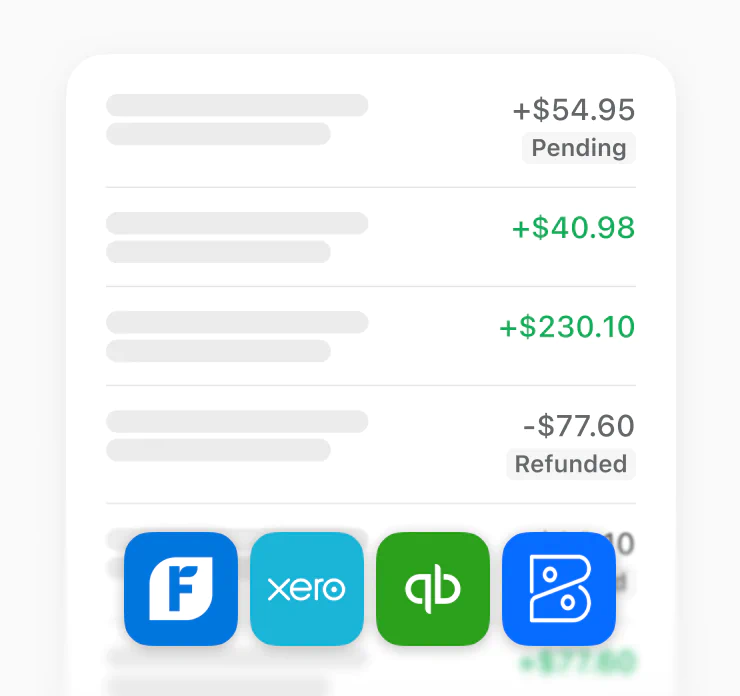
Payments sync with your accounting software

No contracts or hidden fees

In-person payments

Enable payments without extra hardware.

Bridge the gap between online and in-person payments. With Moov, your banking app is the point of sale.

How Tap to Pay works

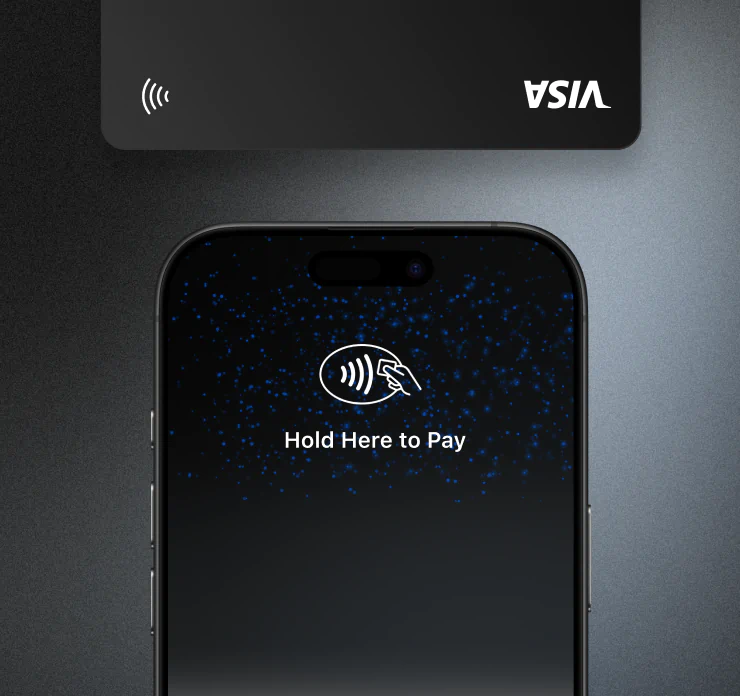
With Tap to Pay, you can accept all types of in-person, contactless payments right on your iPhone or Android device so you can reach more customers, take payments on the go, and explore new setups, like line busting.

Tap to Pay on iPhone

Your app is the point of sale. Accept contactless payments from physical cards and digital wallets—no extra hardware required.

Field service jobs, farmers markets, concerts, and other events are perfect use cases for accepting in-person payments.

Tap to Pay on Android

Your app is the point of sale. Accept contactless payments from physical cards and digital wallets—no extra hardware required.

Field service jobs, farmers markets, concerts, and other events are perfect use cases for accepting in-person payments.

QR codes and shareable payment links

Bridge the gap with in-person payments using QR codes. Reveal a QR code as a fallback when Tap to Pay is not available.

Or post your QR codes on your website or social media to accept payments anywhere, online.

Run your business from your banking app.

From in-person transactions to online payments, get all the tools you need in your banking app.
Always know
what you’ll pay.

Moov's pricing is simple and transparent. You pay 2.6% + 15¢ for every tap in-person and 2.9% + 30¢ for online payments.

No hidden fees. No commitments. No surprises.

Tap to Pay

Accept contactless payments using compatible iPhone or Android devices.

2.6% + 15¢

Per successful charge for U.S. domestic cards.

+1% for international cards.

Online card & mobile wallet payments

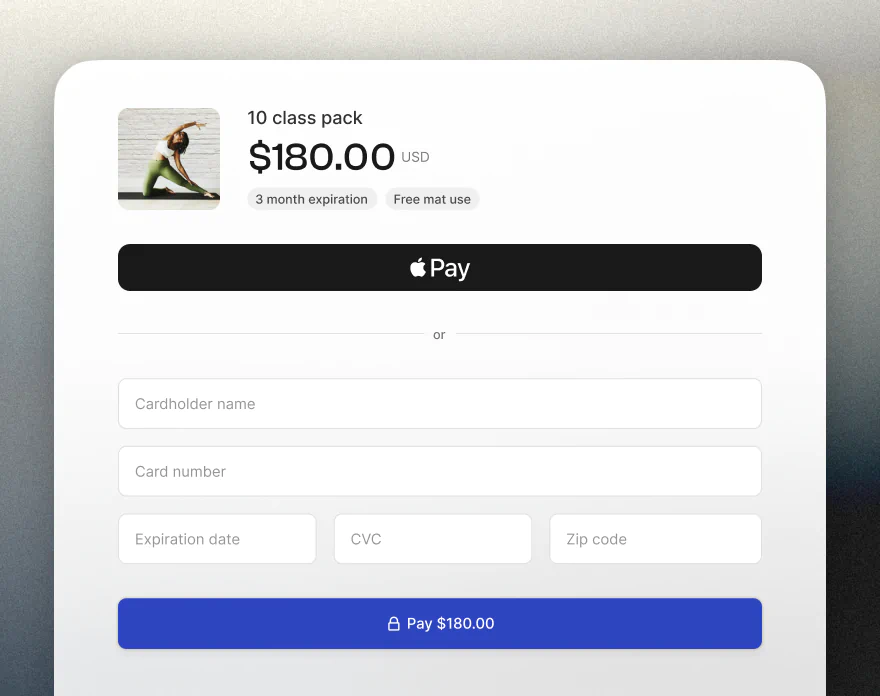
Accept payments via credit/debit cards and digital wallets like Apple Pay.

2.9% + 30¢

Per successful charge for U.S. domestic cards.

+1% for international cards.

Card account updater

Automatically update saved card details when customers’ cards expire or are replaced.

25¢

Per update.

Disputes

Manage chargebacks and payment disputes with built-in resolution tools.

$15.00

Per dispute.


How to set up a merchant account

01

Open your digital banking app

Open mobile or online banking and click on the Merchant menu option. If you don't see it, contact your bank to enable it.

02

Apply for a merchant account

Your bank or credit union will fill in the details they have on file to save you time. Pick the account you’ll use to accept payments.

Some industries are not supported. See our prohibited & restricted businesses.

03

Start accepting payments

After a quick review, you’re ready to accept payments. Your sales will settle directly to your bank account the next business day.
FAQ

How do I start taking payments?
To start accepting payments with Moov, you'll need to open your digital banking app and click on the Merchant menu option. Then, apply for a merchant account and start accepting payments.
If you don't see the Merchant menu option, contact your bank to enable it.
Some industries are not supported. See our prohibited & restricted businesses.
How much will I pay in processing fees
Moov's pricing is simple and transparent. You pay 2.6% + 15¢ for every tap in-person and 2.9% + 30¢ for online payments. No hidden fees. No commitments. No surprises.
View pricing
How do Tap to Pay on iPhone and Tap to Pay on Android work?
Tap to Pay on iPhone and Tap to Pay on Android allow you to take payments directly from your phone without the need for extra hardware. When creating a sale in the app, select "Tap to Pay" and have your customer tap their card or device to complete the payment.
What is a payment link?
A payment link is a simple way to take an online payment from your customer without the need for a website or app. You can share the payment link via email, text, or QR code. When a customer clicks on the link, they can pay using a credit card, debit card, or via Apple Pay.
Are payments through Moov secure?
Yes. Moov uses the latest encryption and security protocols to protect your data. Moov also follows industry requirements to monitor your account for suspicious activity and supports PCI DSS compliance.
Can I accept any type of credit card?
You can accept every major credit card brand, including Visa, Mastercard, American Express, and Discover – all for the same processing fees.
Do I need to purchase hardware to accept payments?
No. There are several ways to accept payments without the need for extra hardware. You can accept payments using Tap to Pay on iPhone or Tap to Pay on Android, or you can use payment links to accept payments online.
How long does it take to get paid?
Funds settle directly to your bank account the next business day.
Can I accept payments from international cards?
Yes. Moov supports international payments for both in-person and online transactions. International transactions are subject to a 1% additional fee.
View pricing
How do I get support?
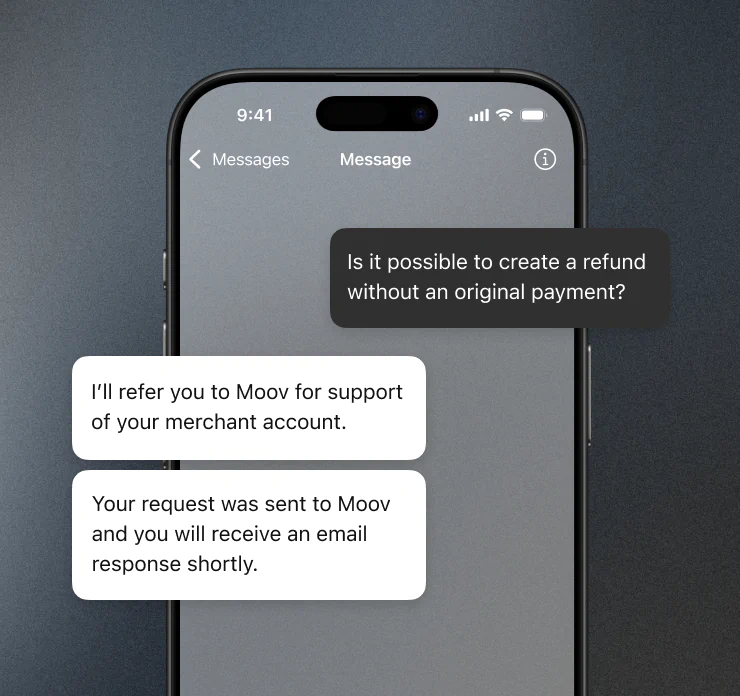
Get help without leaving your banking app with built-in support. If your bank offers messaging via your banking app, you can reach out from there.
Visit our support page