

Invoicing

Send an invoice.
Get paid fast.

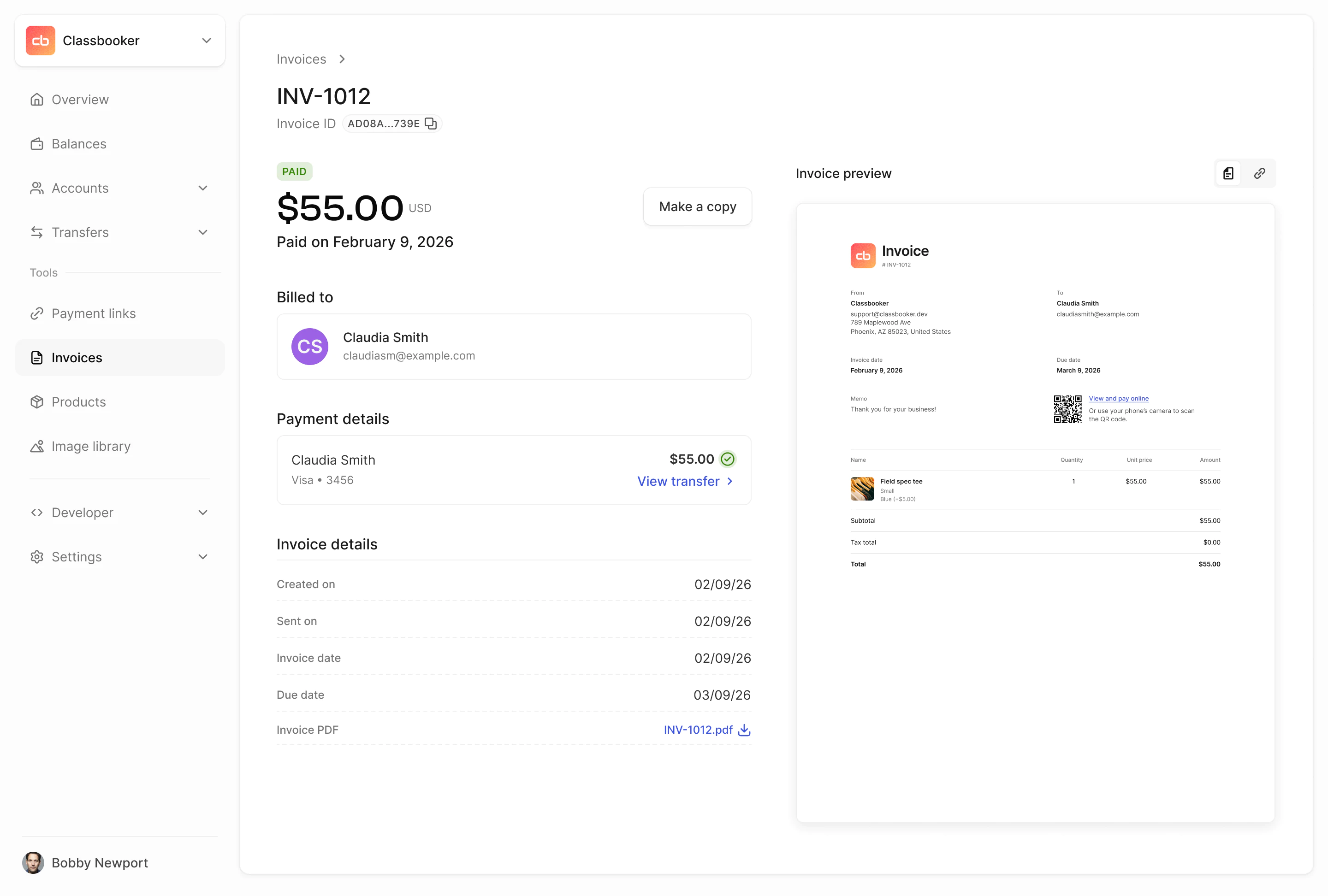
Create and send professional invoices with a built-in payment link and a PDF your customers can pay from instantly.
Start in test mode →

Create invoices in seconds

Beautifully branded professional design

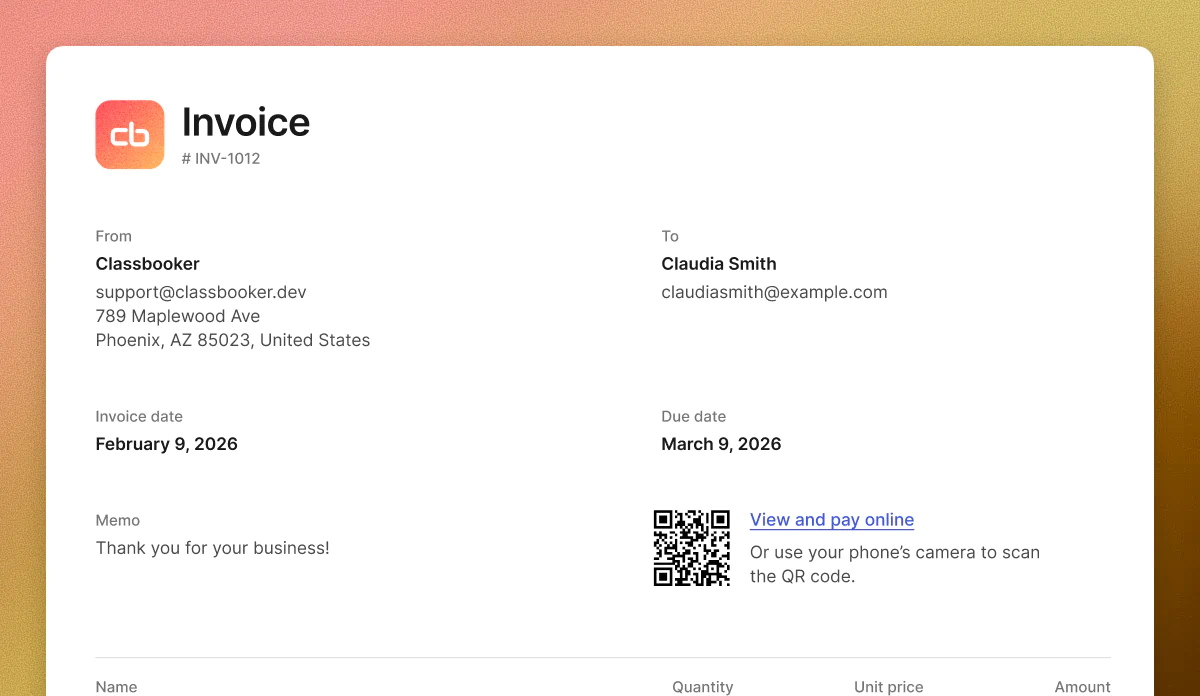
PDF with QR code & payment link

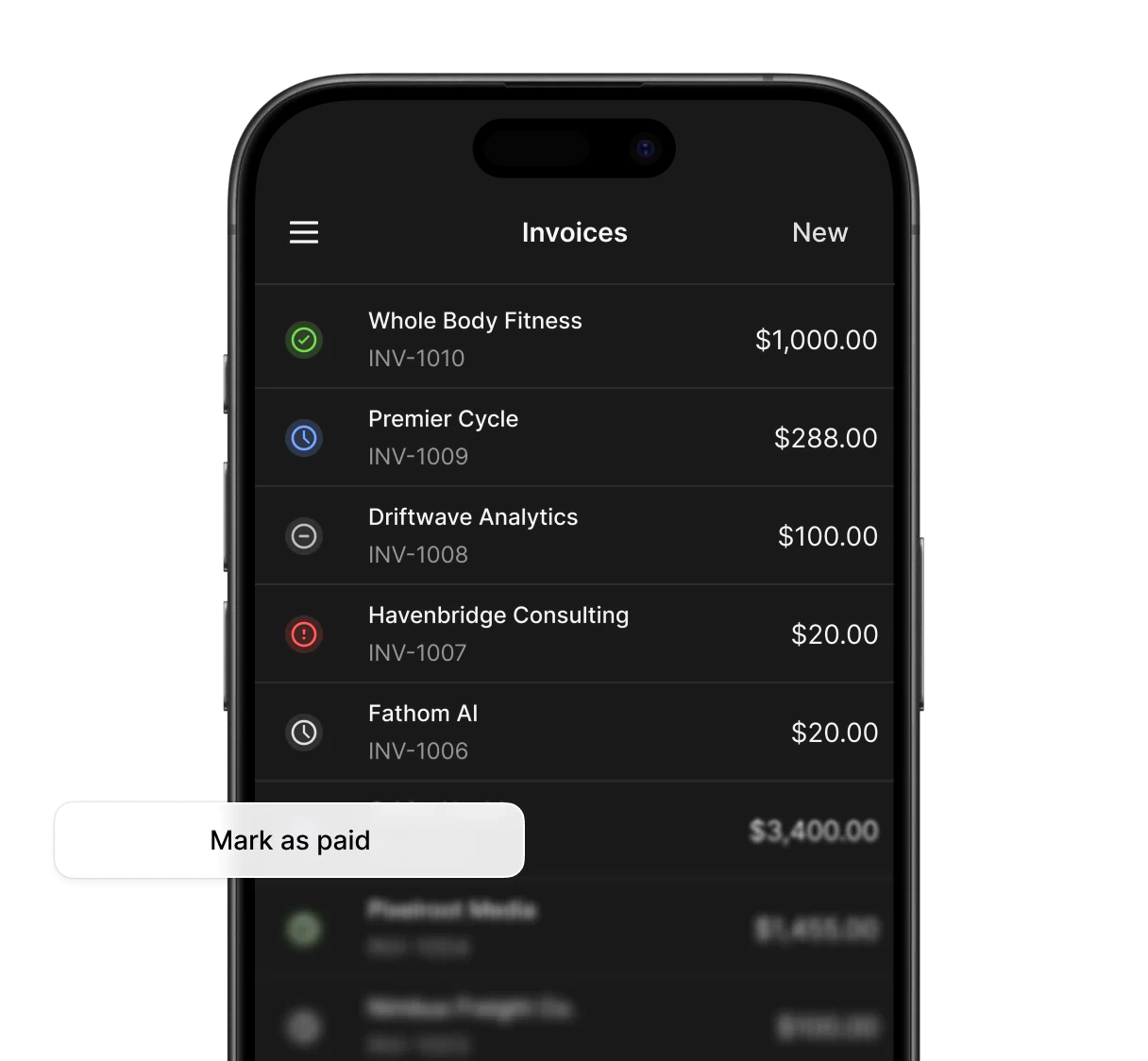
Mark as paid for offline payments

Everything you need to get paid.

Invoicing is built into the Moov Dashboard and API. No third-party tools, no extra integrations.
Flexible payments

Online or offline—stay in sync.

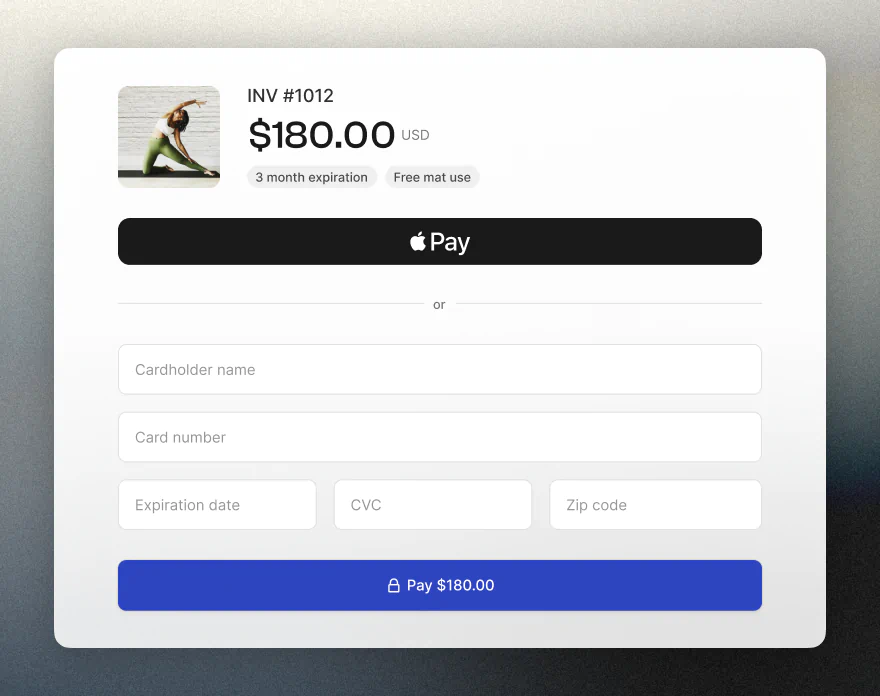
Customers can pay online by card, ACH, or Apple Pay. If payment arrives by check, wire, or another method, mark the invoice as paid to keep your records accurate.
 1
 2
 3
 4
 5
 6
 7
 8
 9
10
11
12
13
14
15
16
17
18
19
20
21
22
23
24
25
26
27
from moovio_sdk import Moov
from moovio_sdk.models import components
from moovio_sdk.utils import parse_datetime

res = moov.invoices.create_invoice(
  account_id="c463fb80-6410-48b7-9e2e-6e9ec58a654f", 
  customer_account_id="3dfff852-927d-47e8-822c-2fffc57ff6b9", 
  line_items={
    "items": [
      {
        "name": "Professional Services",
        "base_price": {
          "currency": "USD",
          "value_decimal": "1000.00",
        },
        "quantity": 1,
      },
    ],
  }, 
  description="Professional services for Q1 2026", 
  invoice_date=parse_datetime("2026-01-15T00:00:00Z"), 
  due_date=parse_datetime("2026-02-15T00:00:00Z"), 
  tax_amount={
    "currency": "USD",
    "value_decimal": "80.00",
  },
)
Developer tools

Power your invoicing workflow with our invoicing API

Automate invoice creaton, delivery, and status tracking through the Moov API to fit your existing workflows.

Read invoicing docs →

More ways to get paid

Go beyond the invoice.

Invoicing is just one way to collect payments with Moov. Accept payments in person or share a payment link for a faster path to getting paid.

In-person payments

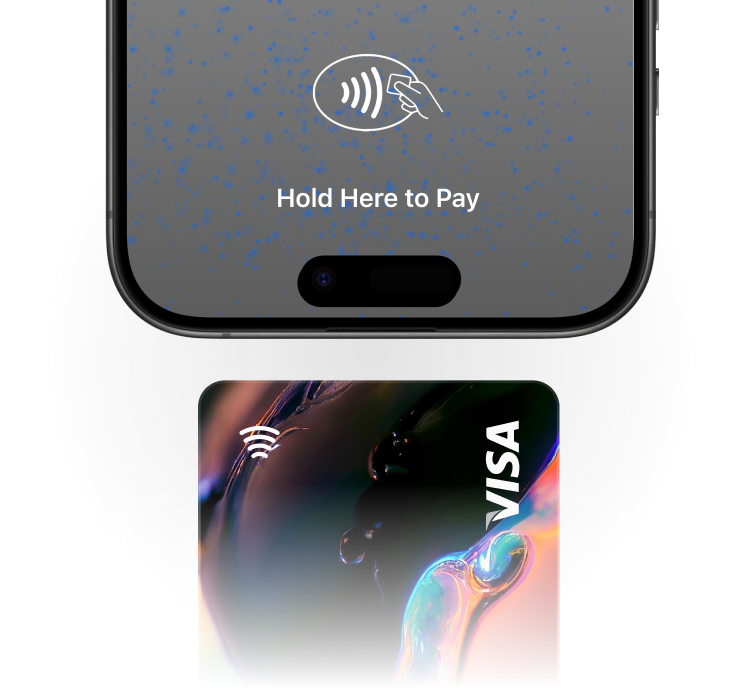
Tap to Pay on Android

Your app is the point of sale. Accept contactless payments from physical cards and digital wallets—no extra hardware required.

Field service jobs, farmers' markets, concerts, and other events are perfect use cases for accepting in-person payments.

FAQ

What is Moov invoicing?
Moov invoicing lets you create professional invoices, assign them to customers, and send them out for payment. Each invoice includes a hosted payment link and a downloadable PDF with an embedded QR code so your customer can pay online quickly.
How do I create an invoice?
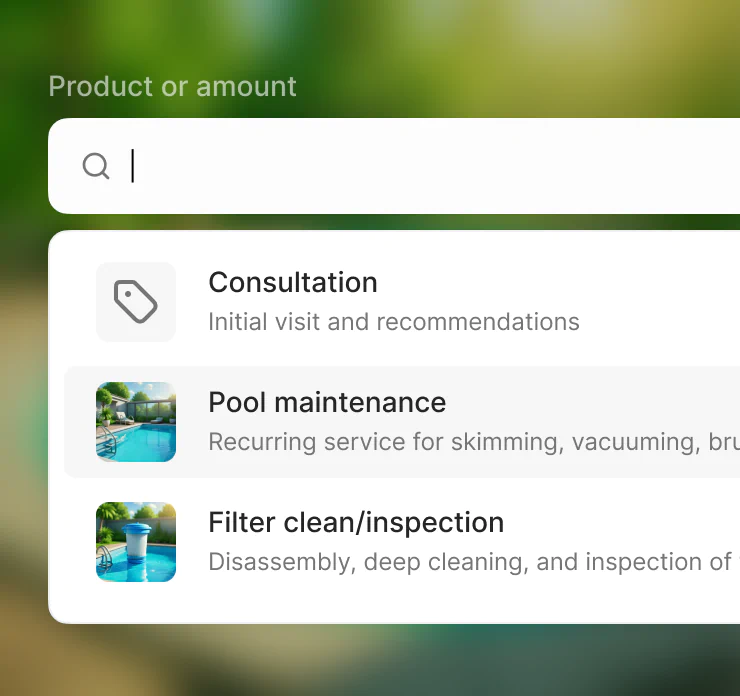
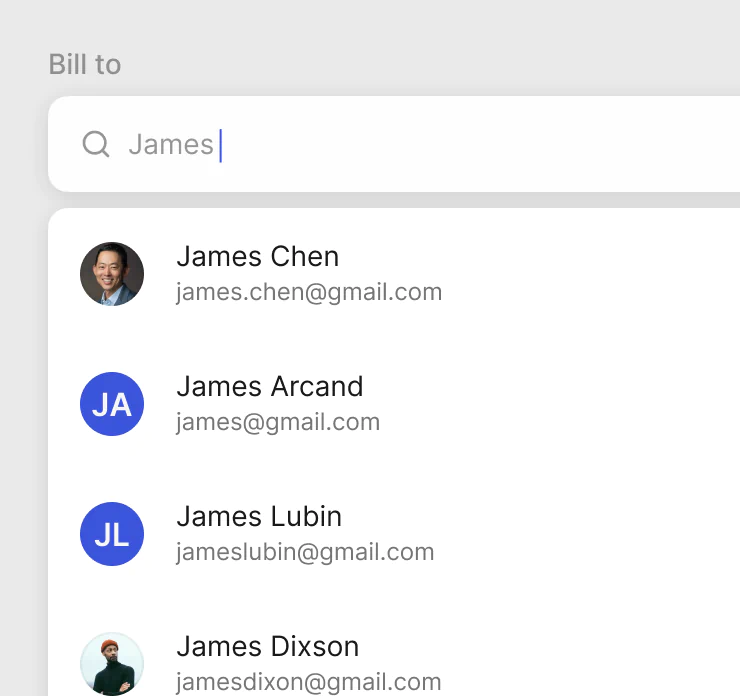
You can create an invoice from the Moov Dashboard or through the API. Add line items, set a due date, and assign it to a customer. Moov automatically generates a payment link and a PDF.
How does my customer pay an invoice?
Your customer receives a payment link via email or directly from you. They can also scan the QR code on the PDF. Either way, they land on a branded checkout page where they can pay by card or bank transfer.
What if my customer pays outside of Moov?
If a customer pays by check, wire, cash, or any other method, you can manually mark the invoice as paid in the Dashboard or via the API. This keeps your records accurate without forcing every payment through the online checkout.
Can I customize the invoice?
Yes. Your brand logo and colors are applied to the checkout experience. You can add line items with descriptions and quantities, set due dates, and include notes for your customer.
What payment methods are supported?
Invoices support the same payment methods available through Moov payment links, including credit/debit cards, ACH bank transfers, and digital wallets like Apple Pay.
Can I automate invoice creation?
Yes. Using the Moov API, you can programmatically create, send, and track invoices. This is useful for recurring billing, automated reminders, or integrating invoicing into your existing systems.
How do I know when an invoice is paid?
Invoice status updates are available in the Dashboard and through webhooks. You'll be notified when a customer pays or if a payment fails so you can follow up.
Is there a limit to the number of invoices I can send?
No. You can create and send as many invoices as your business needs.